Your event is over and the room is tidied up. What did people enjoy? What was missing? Your attendees are best placed to tell you, provided you ask at the right time and keep it simple.
Send it at the right time
Feedback is best collected while it is fresh. The satisfaction questionnaire goes out automatically after the event ends, at the delay you choose: 2 hours, 24 hours or 48 hours. An evening event suits the next day; a daytime workshop, that same evening.
If you scanned QR codes at the door, it only goes to the people who actually came. Otherwise, it goes to every confirmed registrant. One more reason to scan on the day.
Those who have not answered get a single reminder, three days later. No more: beyond that, you annoy more than you gain.
Short, varied questions
You can ask up to ten questions, but three to five are almost always enough. Five formats are available:
- a 1 to 5 star rating, for overall satisfaction;
- a 0 to 10 score, for “would you recommend this event to a friend?”;
- single choice or multiple choice, to learn what people liked most or how they heard about you;
- a free answer, for everything you did not think to ask.
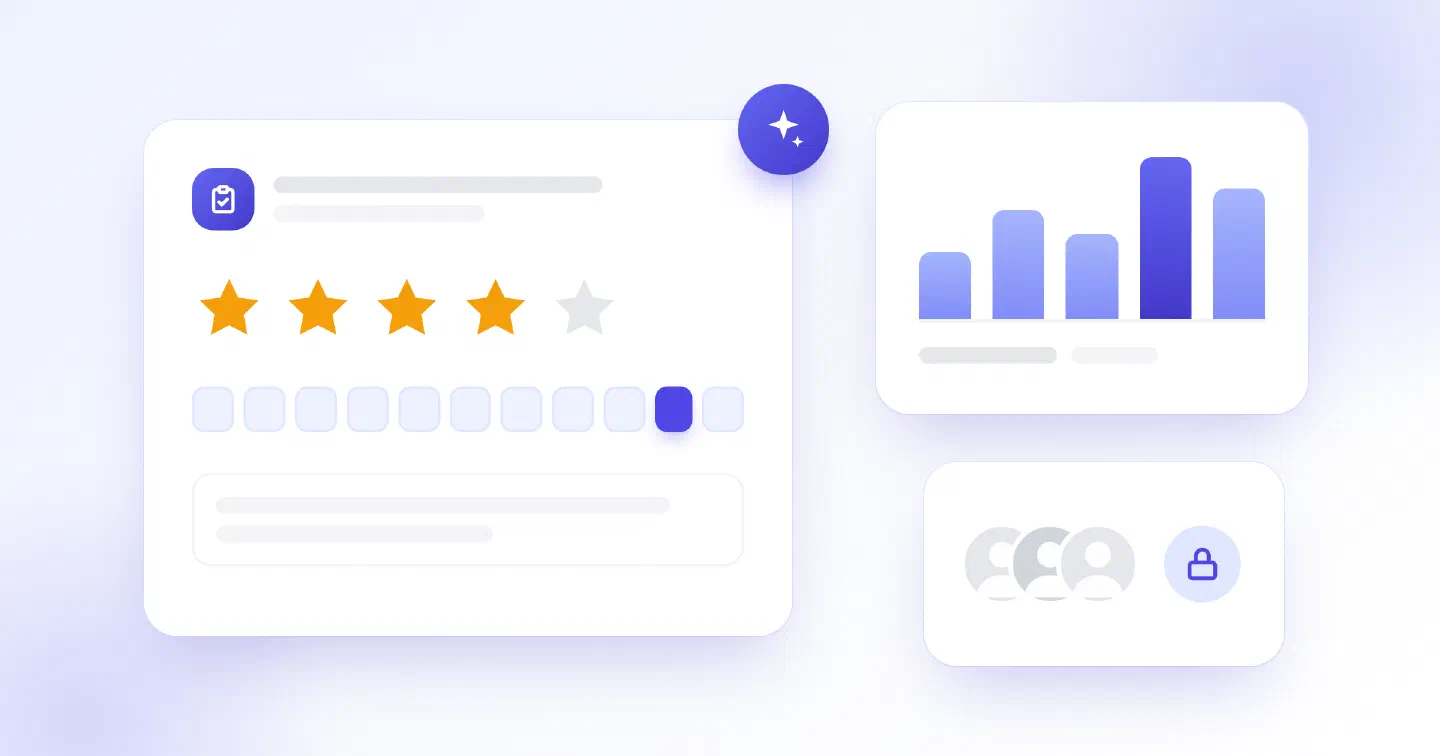
A good questionnaire opens with the overall rating and closes with an open question. Short of ideas? Describe what you want to learn from your attendees: the assistant suggests questions, and you keep the ones that suit you.
Anonymity, for honest answers
Answers are anonymous: you see what was answered, never who answered it. To protect anonymity even in a small group, results only show once three people have responded.
Read the results… and act
Results are gathered in your dashboard, on the event’s management page: averages, choice breakdowns and free answers. You can also export them as CSV to compare one event with the next.
A few habits to make the most of them:
- Look for trends, not one-offs. A remark keeps coming up? It is a topic.
- Start with what is easy to fix: timing, signage, the length of a break.
- Say what you changed. In your next event’s description, one line is enough to show that feedback counts.
The questionnaire is available on every plan, the free plan included. You set it up from your event’s management page, ideally before the date; switched on afterwards, it can still go out up to a week after the event.